
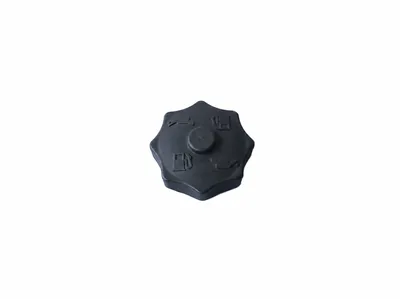
5000112179 In-Tank Fuel Filter Kit for Wacker BS50-2 BS60-2 BS70-2 BS500 BS600 BS700 Tamping Rammer Spare Parts
Review the model, reference and old-part interface before quotation.
Add WS-TR-003 to RFQBrowse rammer shoes, bellows, clutches, fuel-system service parts, throttle controls and engine-related references. Because similar rammer families can use different interfaces, send the complete model, installed engine and old-part evidence with the RFQ.
Useful starting points include a stamped reference, MT or MTX model, BS-series model, engine model, shoe width, bellows diameter or MachParts product code. Confirm what is installed instead of selecting from appearance alone.
Example: WS-TR-009 · Example: BS60-2 bellows · Example: MTX70 clutch
Use the product code to identify the catalog record you want reviewed. Supply the old-part evidence before treating model names as a final fitment decision.
Review the model, reference and old-part interface before quotation.
Add WS-TR-003 to RFQ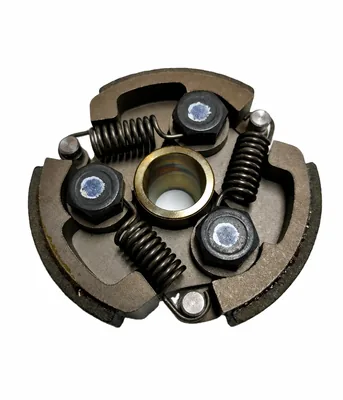
Review the model, reference and old-part interface before quotation.
Add WS-TR-005 to RFQ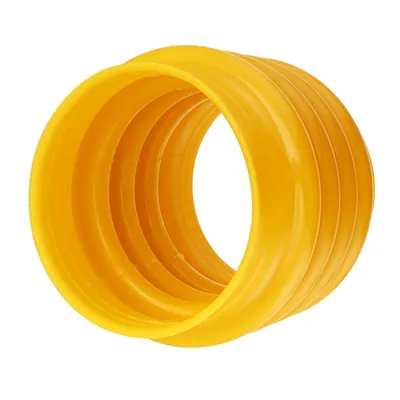
Review the model, reference and old-part interface before quotation.
Add WS-TR-006 to RFQ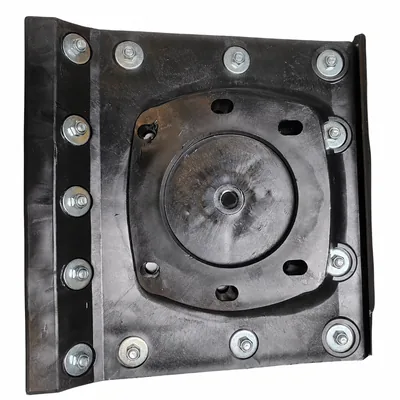
Review the model, reference and old-part interface before quotation.
Add WS-TR-008 to RFQ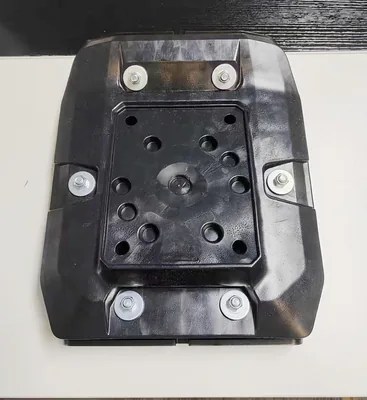
Review the model, reference and old-part interface before quotation.
Add WS-TR-009 to RFQ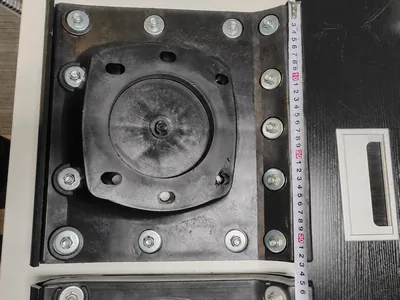
Review the model, reference and old-part interface before quotation.
Add WS-TR-010 to RFQSearch the current catalog without merging unlike parts that share a model keyword. Filters should preserve the product code and category context used in the inquiry.
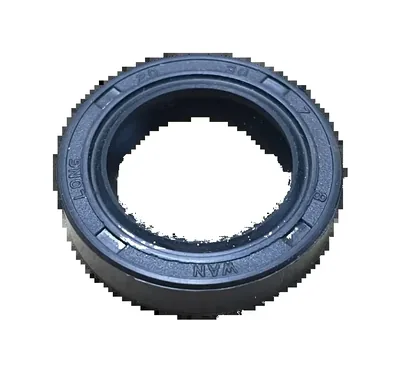
Review the model, reference and old-part interface before quotation.
Add WS-TR-001 to RFQ
Review the model, reference and old-part interface before quotation.
Add WS-TR-002 to RFQReview the model, reference and old-part interface before quotation.
Add WS-TR-003 to RFQ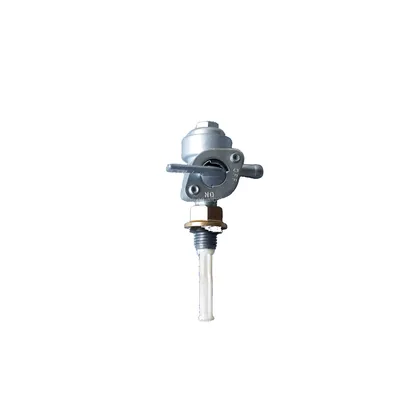
Review the model, reference and old-part interface before quotation.
Add WS-TR-004 to RFQReview the model, reference and old-part interface before quotation.
Add WS-TR-005 to RFQReview the model, reference and old-part interface before quotation.
Add WS-TR-006 to RFQ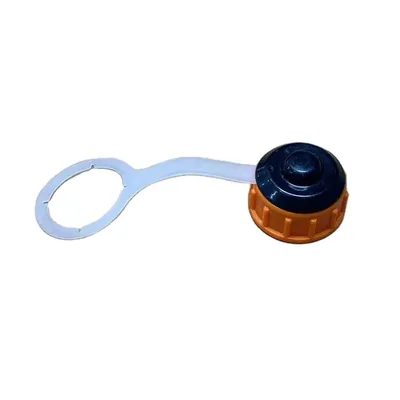
Review the model, reference and old-part interface before quotation.
Add WS-TR-007 to RFQReview the model, reference and old-part interface before quotation.
Add WS-TR-008 to RFQReview the model, reference and old-part interface before quotation.
Add WS-TR-009 to RFQReview the model, reference and old-part interface before quotation.
Add WS-TR-010 to RFQ
Review the model, reference and old-part interface before quotation.
Add WS-FMM-001 to RFQ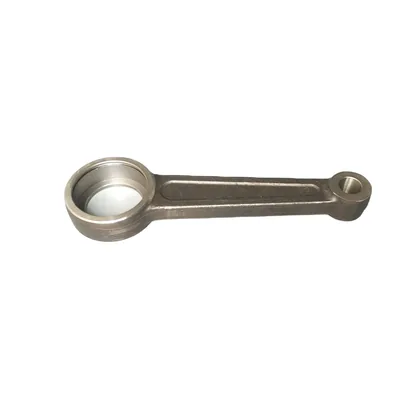
Review the model, reference and old-part interface before quotation.
Add WS-FMM-002 to RFQ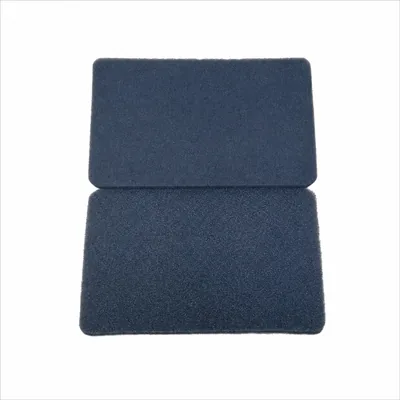
Review the model, reference and old-part interface before quotation.
Add WS-FMM-003 to RFQ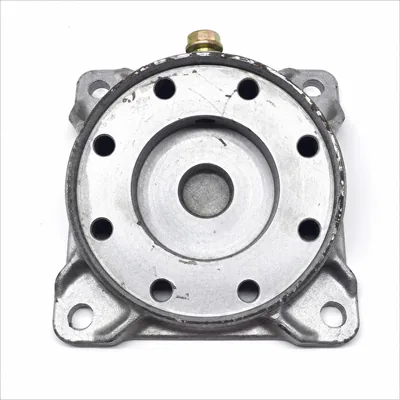
Review the model, reference and old-part interface before quotation.
Add WS-FMM-004 to RFQ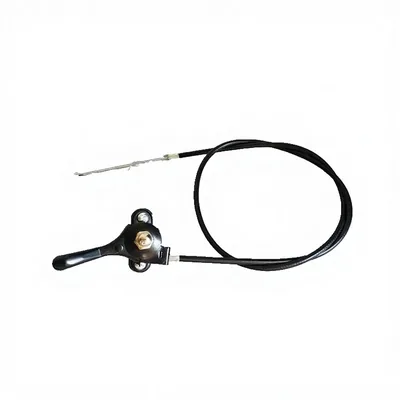
Review the model, reference and old-part interface before quotation.
Add WS-FMM-005 to RFQ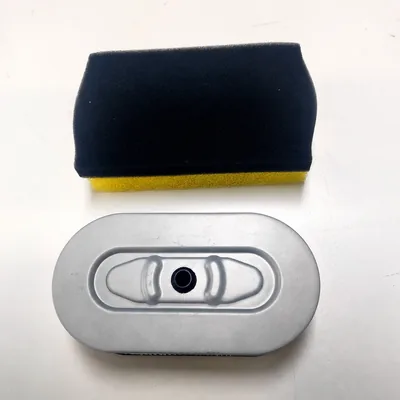
Review the model, reference and old-part interface before quotation.
Add WS-FMM-006 to RFQ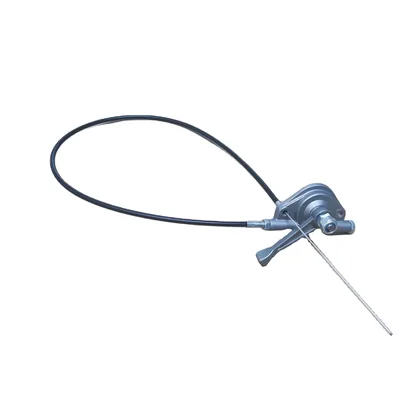
Review the model, reference and old-part interface before quotation.
Add WS-FMM-007 to RFQ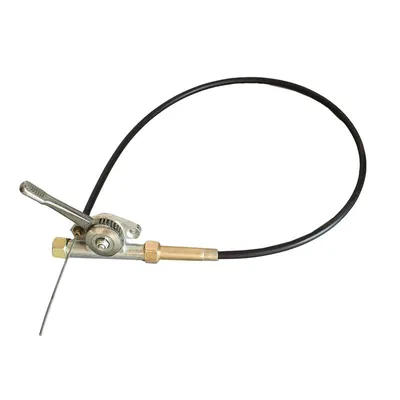
Review the model, reference and old-part interface before quotation.
Add WS-FMM-008 to RFQ
Review the model, reference and old-part interface before quotation.
Add WS-FMM-009 to RFQ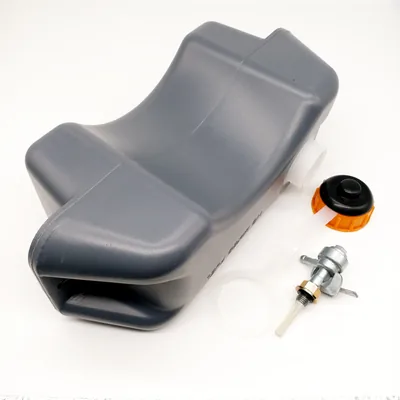
Review the model, reference and old-part interface before quotation.
Add WS-FMM-010 to RFQ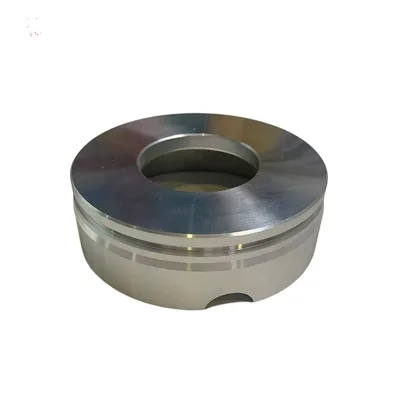
Review the model, reference and old-part interface before quotation.
Add WS-FWN-001 to RFQ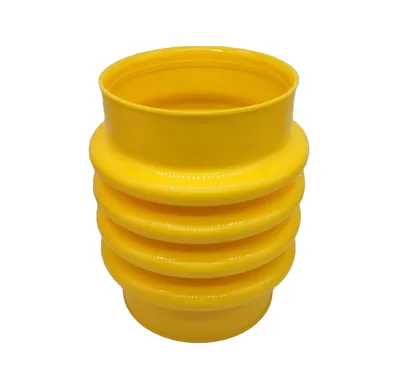
Review the model, reference and old-part interface before quotation.
Add WS-FWN-002 to RFQ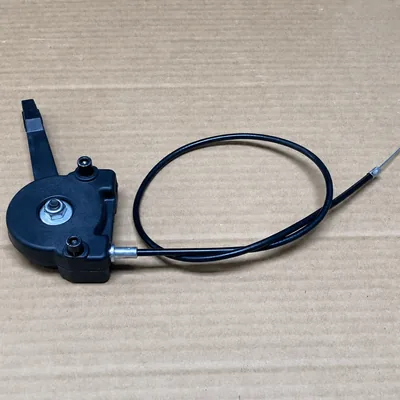
Review the model, reference and old-part interface before quotation.
Add WS-FWN-003 to RFQ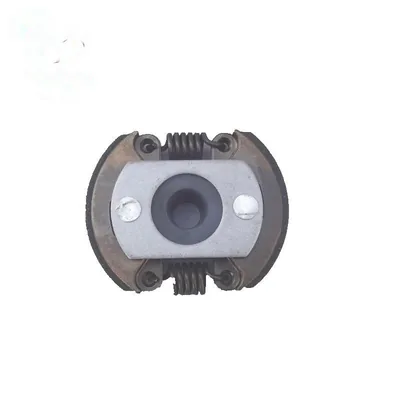
Review the model, reference and old-part interface before quotation.
Add WS-FWN-004 to RFQ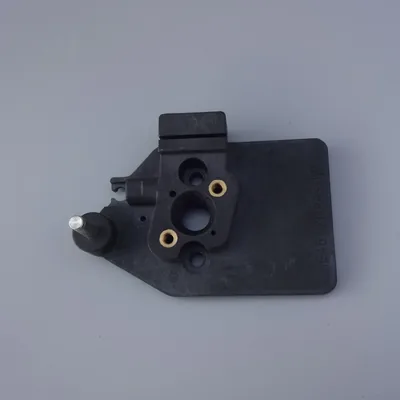
Review the model, reference and old-part interface before quotation.
Add WS-FWN-005 to RFQ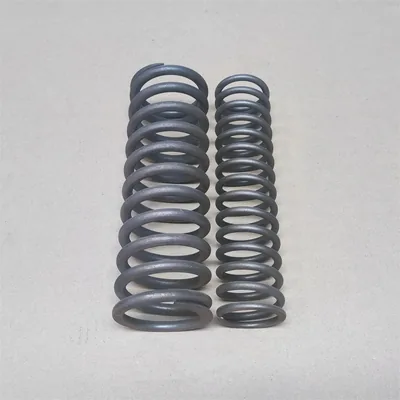
Review the model, reference and old-part interface before quotation.
Add WS-FWN-006 to RFQ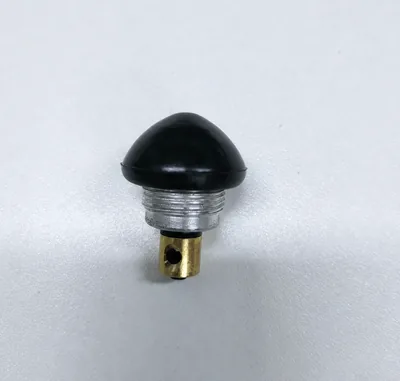
Review the model, reference and old-part interface before quotation.
Add WS-FWN-007 to RFQ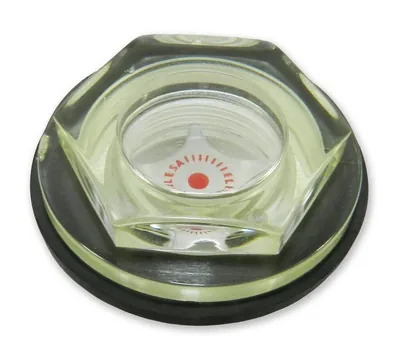
Review the model, reference and old-part interface before quotation.
Add WS-FWN-008 to RFQ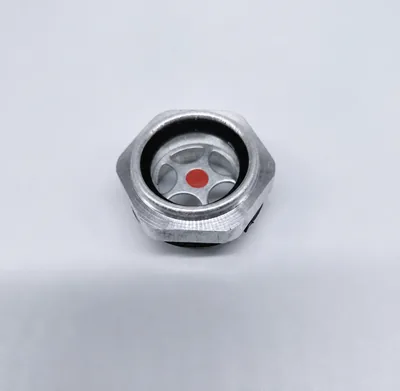
Review the model, reference and old-part interface before quotation.
Add WS-FWN-009 to RFQ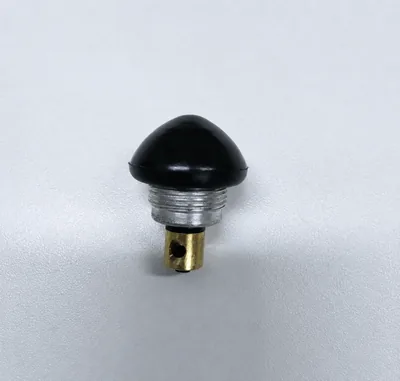
Review the model, reference and old-part interface before quotation.
Add WS-FWN-010 to RFQ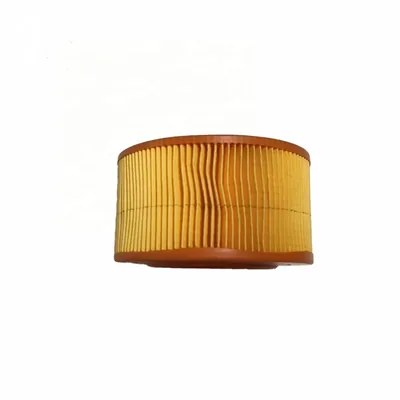
Review the model, reference and old-part interface before quotation.
Add WS-FBR-001 to RFQ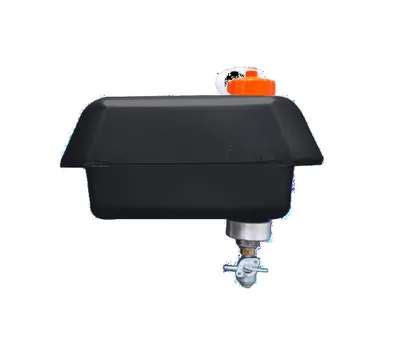
Review the model, reference and old-part interface before quotation.
Add WS-FBR-002 to RFQ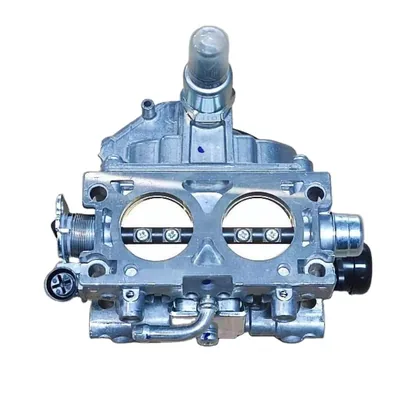
Review the model, reference and old-part interface before quotation.
Add WS-FBR-003 to RFQ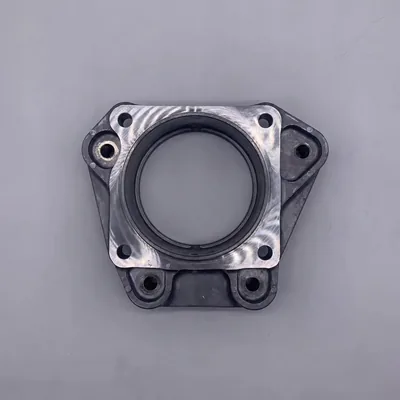
Review the model, reference and old-part interface before quotation.
Add WS-FBR-004 to RFQ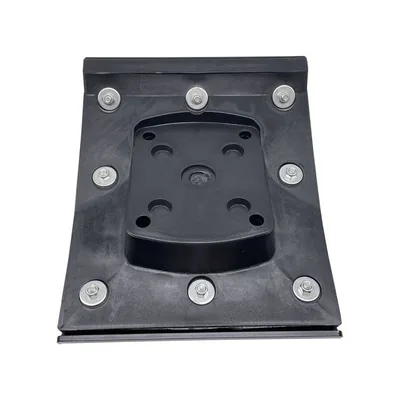
Review the model, reference and old-part interface before quotation.
Add WS-FBR-005 to RFQ
Review the model, reference and old-part interface before quotation.
Add WS-FBR-006 to RFQ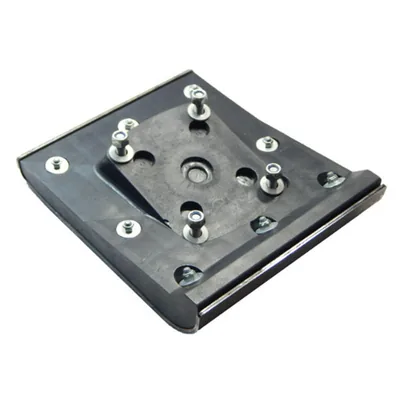
Review the model, reference and old-part interface before quotation.
Add WS-FBR-007 to RFQ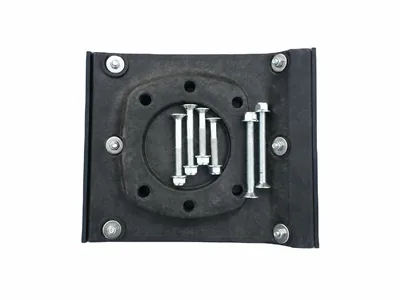
Review the model, reference and old-part interface before quotation.
Add WS-FBR-008 to RFQ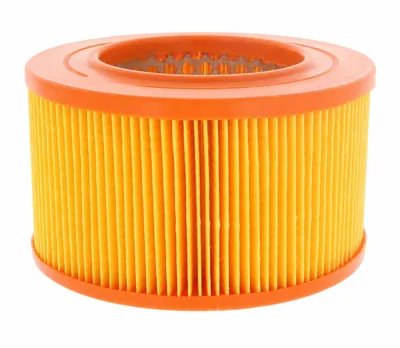
Review the model, reference and old-part interface before quotation.
Add WS-FBR-009 to RFQ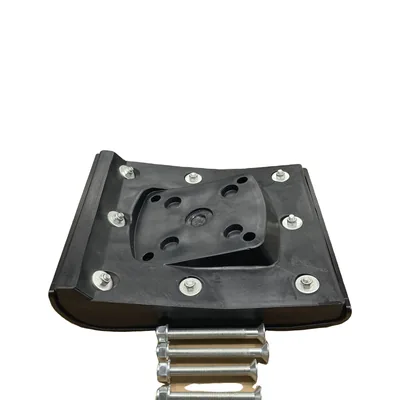
Review the model, reference and old-part interface before quotation.
Add WS-FBR-010 to RFQ
Review the model, reference and old-part interface before quotation.
Add WS-FWR-001 to RFQ
Review the model, reference and old-part interface before quotation.
Add WS-FWR-002 to RFQ
Review the model, reference and old-part interface before quotation.
Add WS-FWR-003 to RFQ
Review the model, reference and old-part interface before quotation.
Add WS-FWR-004 to RFQ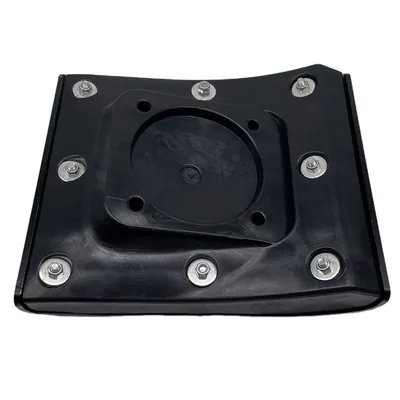
Review the model, reference and old-part interface before quotation.
Add WS-FWR-005 to RFQ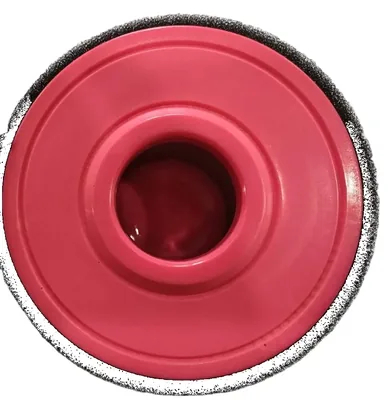
Review the model, reference and old-part interface before quotation.
Add WS-FWR-006 to RFQ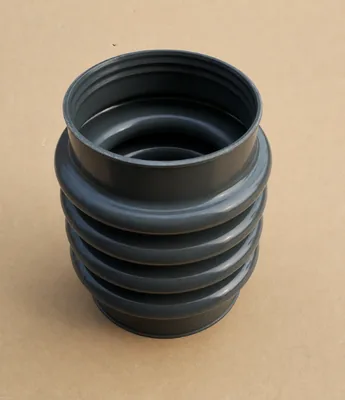
Review the model, reference and old-part interface before quotation.
Add WS-FWR-007 to RFQ
Review the model, reference and old-part interface before quotation.
Add WS-FWR-008 to RFQ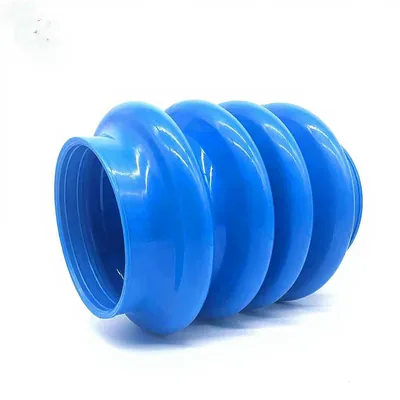
Review the model, reference and old-part interface before quotation.
Add WS-FWR-009 to RFQ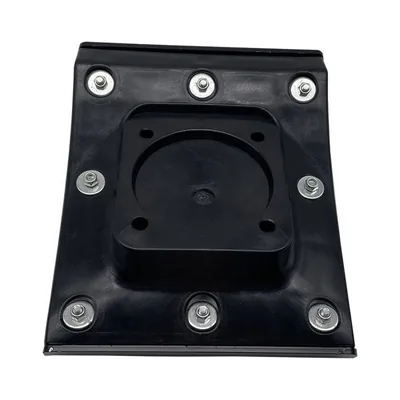
Review the model, reference and old-part interface before quotation.
Add WS-FWR-010 to RFQ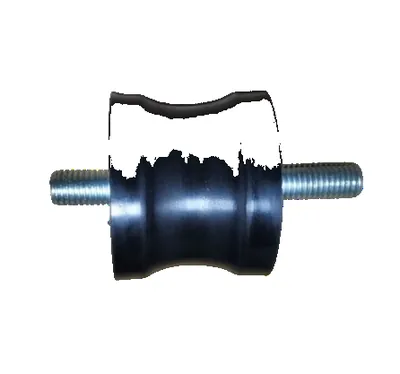
Review the model, reference and old-part interface before quotation.
Add WS-FAR-001 to RFQ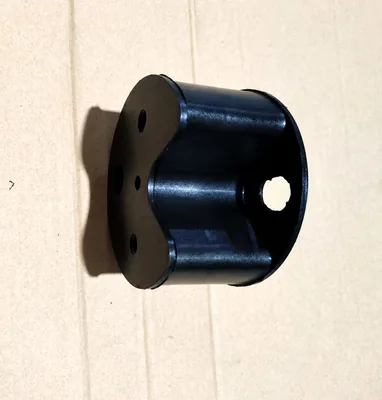
Review the model, reference and old-part interface before quotation.
Add WS-FAR-002 to RFQ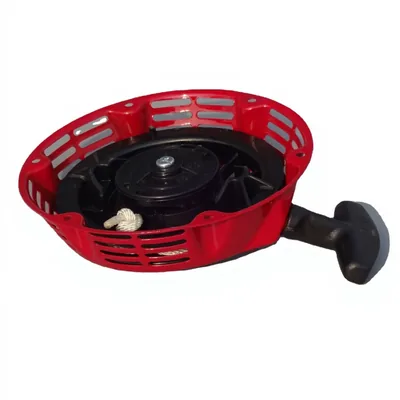
Review the model, reference and old-part interface before quotation.
Add WS-FAR-003 to RFQ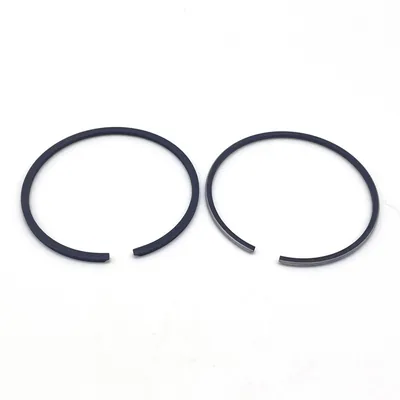
Review the model, reference and old-part interface before quotation.
Add WS-FAR-004 to RFQ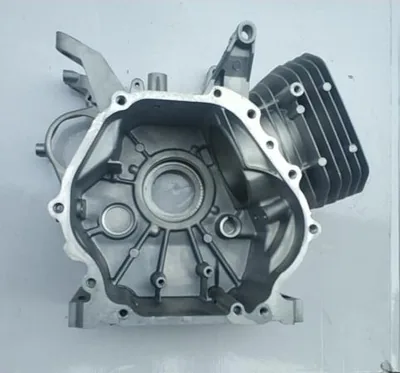
Review the model, reference and old-part interface before quotation.
Add WS-FAR-005 to RFQ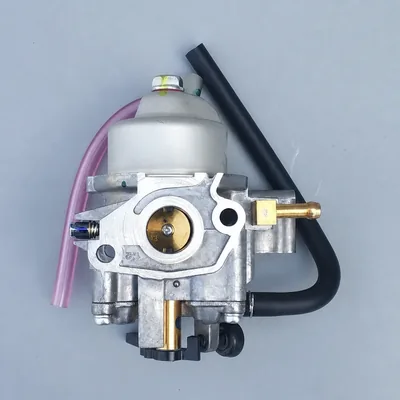
Review the model, reference and old-part interface before quotation.
Add WS-FAR-006 to RFQ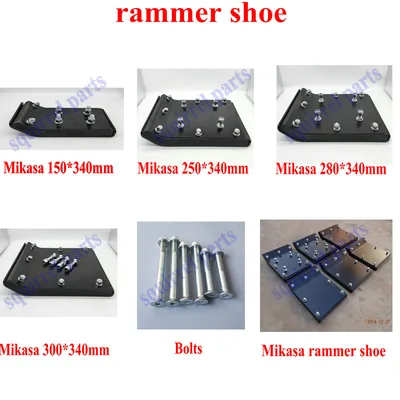
Review the model, reference and old-part interface before quotation.
Add WS-FAR-007 to RFQ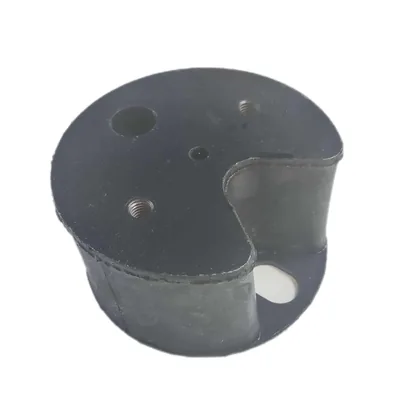
Review the model, reference and old-part interface before quotation.
Add WS-FAR-008 to RFQ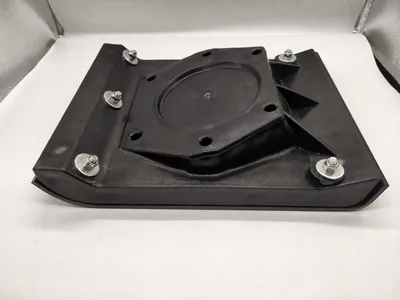
Review the model, reference and old-part interface before quotation.
Add WS-FAR-009 to RFQ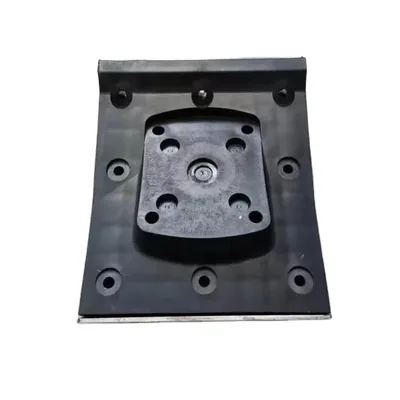
Review the model, reference and old-part interface before quotation.
Add WS-FAR-010 to RFQ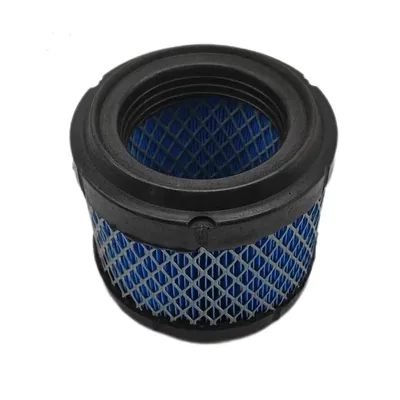
Review the model, reference and old-part interface before quotation.
Add WS-FH-001 to RFQ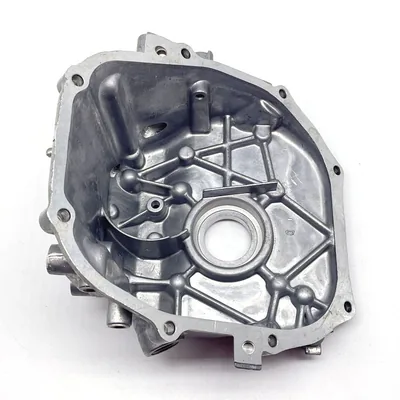
Review the model, reference and old-part interface before quotation.
Add WS-FH-002 to RFQ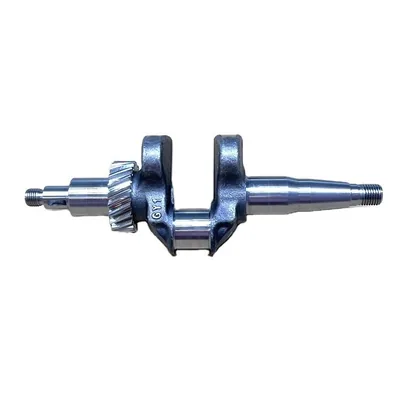
Review the model, reference and old-part interface before quotation.
Add WS-FH-003 to RFQ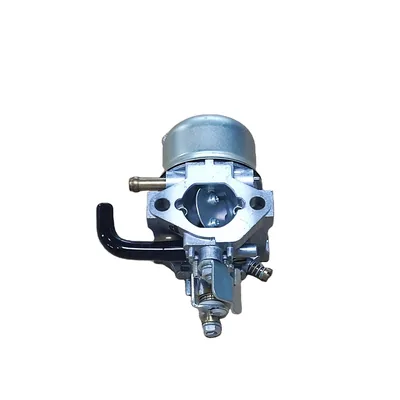
Review the model, reference and old-part interface before quotation.
Add WS-FH-004 to RFQ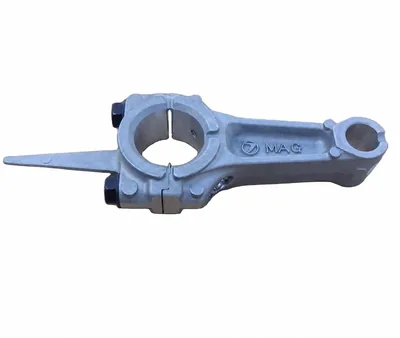
Review the model, reference and old-part interface before quotation.
Add WS-FH-005 to RFQ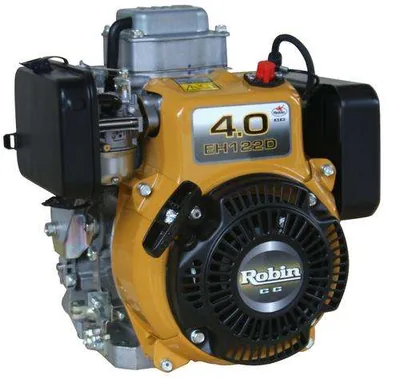
Review the model, reference and old-part interface before quotation.
Add WS-FH-006 to RFQ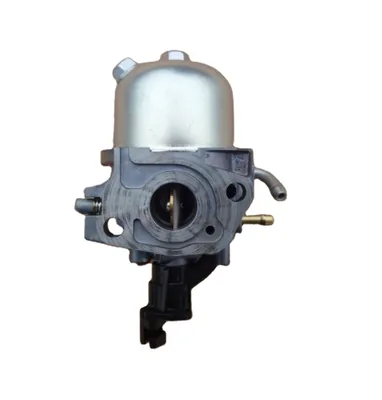
Review the model, reference and old-part interface before quotation.
Add WS-FH-007 to RFQ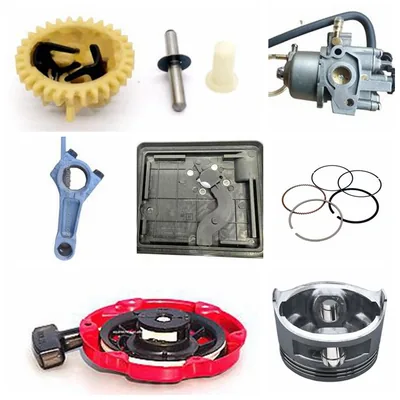
Review the model, reference and old-part interface before quotation.
Add WS-FH-008 to RFQ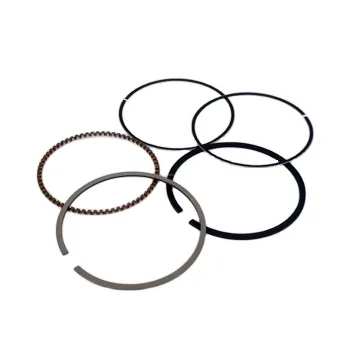
Review the model, reference and old-part interface before quotation.
Add WS-FH-009 to RFQ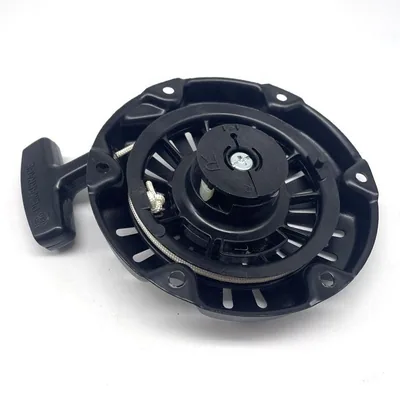
Review the model, reference and old-part interface before quotation.
Add WS-FH-010 to RFQ
Review the model, reference and old-part interface before quotation.
Add WS-FMR-001 to RFQ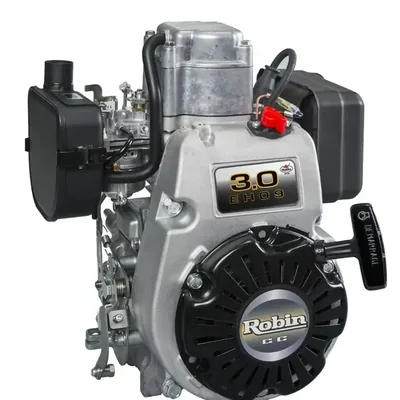
Review the model, reference and old-part interface before quotation.
Add WS-FMR-002 to RFQ
Review the model, reference and old-part interface before quotation.
Add WS-FMR-003 to RFQ
Review the model, reference and old-part interface before quotation.
Add WS-FMR-004 to RFQ
Review the model, reference and old-part interface before quotation.
Add WS-FMR-005 to RFQ
Review the model, reference and old-part interface before quotation.
Add WS-FMR-006 to RFQ
Review the model, reference and old-part interface before quotation.
Add WS-FMR-007 to RFQ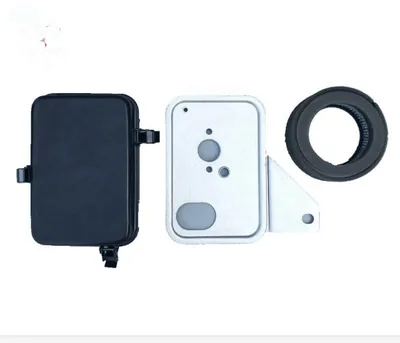
Review the model, reference and old-part interface before quotation.
Add WS-FMR-008 to RFQ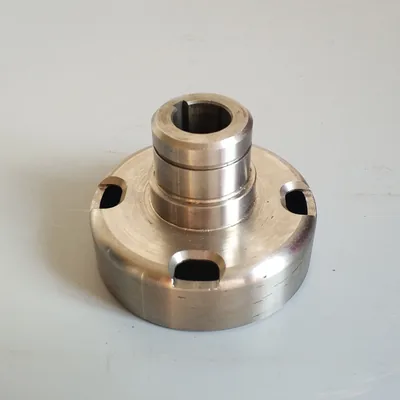
Review the model, reference and old-part interface before quotation.
Add WS-FMR-009 to RFQ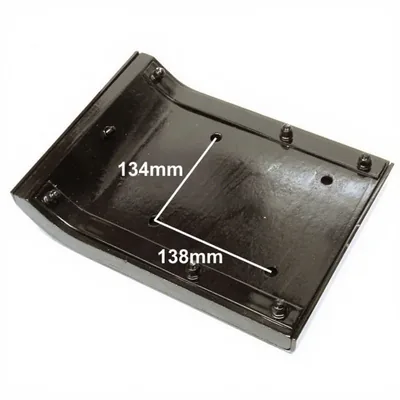
Review the model, reference and old-part interface before quotation.
Add WS-FMR-010 to RFQ
Review the model, reference and old-part interface before quotation.
Add WS-RP-003 to RFQ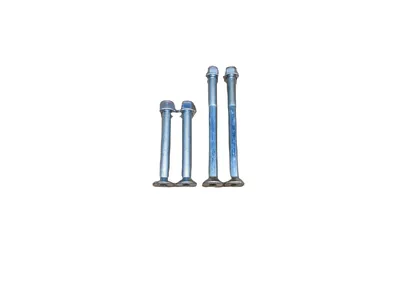
Review the model, reference and old-part interface before quotation.
Add WS-RP-004 to RFQ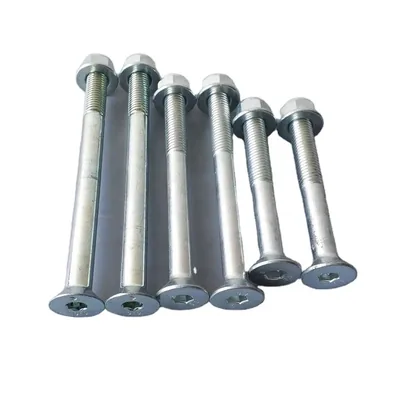
Review the model, reference and old-part interface before quotation.
Add WS-RP-005 to RFQ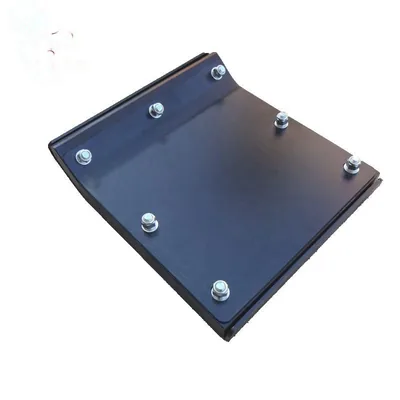
Review the model, reference and old-part interface before quotation.
Add WS-RP-006 to RFQ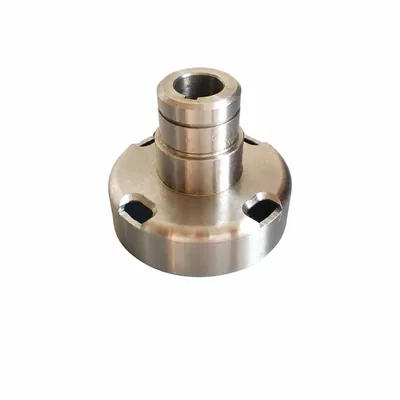
Review the model, reference and old-part interface before quotation.
Add WS-RP-009 to RFQ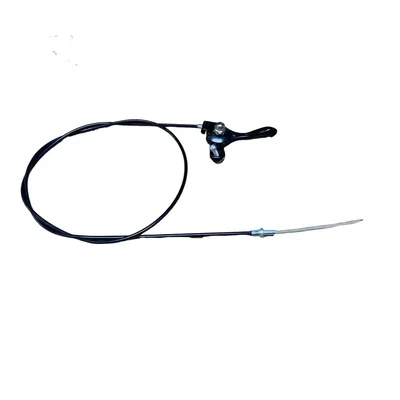
Review the model, reference and old-part interface before quotation.
Add WS-RP-010 to RFQ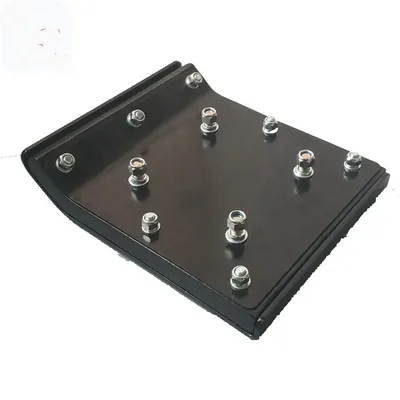
Review the model, reference and old-part interface before quotation.
Add WS-RS-002 to RFQ
Review the model, reference and old-part interface before quotation.
Add WS-RS-003 to RFQ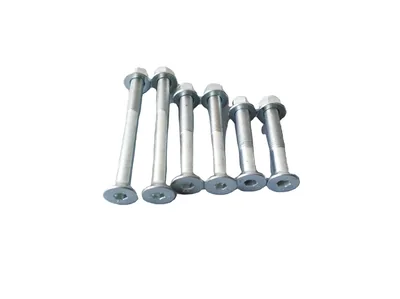
Review the model, reference and old-part interface before quotation.
Add WS-RS-004 to RFQ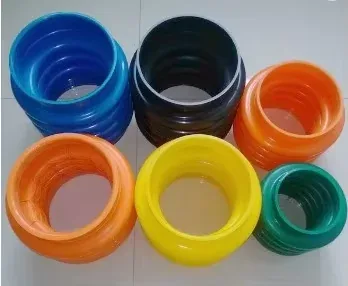
Review the model, reference and old-part interface before quotation.
Add WS-RB-001 to RFQ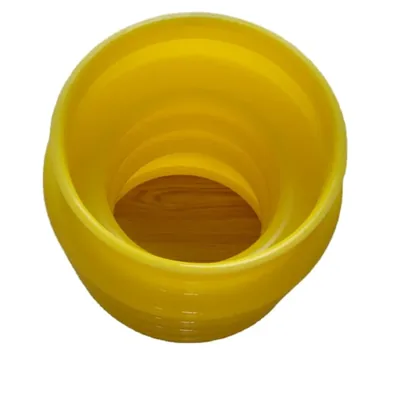
Review the model, reference and old-part interface before quotation.
Add WS-RB-002 to RFQNo matching catalog references are visible. Try a product code, model or part name.
Start with what the part does, then use model, reference and dimensions to distinguish the correct version.
Foot and shoe references that require width, length, mounting pattern and rammer-model evidence.
Explore this routeBellows references separated by upper and lower interfaces, diameter, height, folds and mounting form.
Explore this routeClutch and related drive references requiring bore, outside diameter, keyway and installed-assembly checks.
Explore this routeFilters, caps and joints identified from engine or machine reference plus thread and connection detail.
Explore this routeCatalog references associated with BS-series and related buyer model searches; installed configuration still requires review.
Explore this routeCatalog references associated with MT and MTX searches, including filter, fuel, gear and throttle items.
Explore this routeThis collection covers current catalog references for tamping rammer shoes, bellows, clutches, fuel-system service items, throttle controls and selected engine-related parts. Model names shown on product pages are buyer-facing application references, not proof that every revision shares the same part. For a quote review, identify the rammer and the engine, then show the original part and the interface that must match.
The model groups below describe catalog search routes. They do not replace the installed-part check.
| Application or system | Catalog route | Evidence to send |
|---|---|---|
| BS-series and WM80-related references | Seal, bearing, filter, clutch, adapter, bellows, control and shoe references | Full rammer model, installed engine marking, old-part number, interface dimensions and installed view |
| MT, MTX and related references | Clutch, filter, fuel, throttle, gear, bellows and shoe references | Complete MT or MTX model, engine label, part markings, dimensions and photos of both sides |
| BT, LT, SRV, HCR and other catalog references | Shoe, control, bellows and model-group parts | Machine plate, serial or revision evidence, installed engine and old-part interface |
| Unmarked or previously replaced assembly | Any rammer wear, drive, fuel or control part | Machine context, full assembly, mounting location, photo-linked dimensions and statement of unknown fields |
Use clean photos and measurement datums. A visual resemblance is a starting point, not a selection rule.
Send overall length and width, front and rear profile, mounting-hole centers, fastener size and machine model.
Record upper and lower diameters, mounting form, free height, fold count and installed orientation.
Record outside diameter, bore, keyway or thread, working width and photographs of the mating assembly.
Record total and sheath length, both end fittings, travel direction, bracket form and routing photos.
The machine plate identifies the rammer family, while the engine label identifies the power unit actually installed. Both can matter in one repair. A fuel, ignition, air-filter or engine-internal request should include engine evidence; a shoe, bellows, clutch, spring or frame-mounted control also needs the rammer assembly and interface. Keeping these identifiers separate is more reliable than assuming every machine of a familiar model has remained in its original configuration.
Use the preparation route that matches the repair, replenishment or cross-reference task in front of the buyer.
List shoe, bellows and service-part quantities by rammer family, with one confirmed sample reference for each variation.
Send the complete machine and engine labels, failed-part views and interface measurements for a focused replacement review.
Connect each internal stock code to a MachParts code, model reference, photograph and required quantity before quotation comparison.
MachParts Global, the international machinery-parts sourcing website of WUHAN SUNFULL, organizes rammer-related catalog references for quotation-led B2B buying. The collection separates wear, drive, fuel, control and model-reference routes so buyers can send more useful evidence. Product pages are reference points for the inquiry; final commercial and application notes depend on the exact code, model evidence, quantity and destination supplied.
Photograph the rammer plate and installed engine marking before removing the old part.
Classify the requirement as shoe, bellows, drive, fuel, control or engine-related.
Add the old-part number, installed views and the dimensions that decide the match.
Keep every model or dimensional variation on its own RFQ line.
Check unresolved model, dimension or commercial fields before treating the quotation as final.
Prepare machine, engine, dimension, photo and quantity evidence for a rammer-parts inquiry.
Read buyer guideUse traceable datums and repeated measurements when the rammer part has no usable marking.
Read buyer guideKeep contact, identity, quantity, destination and supporting evidence connected in one request.
Read buyer guideReview a proposed change against the approved reference and record the decision boundary.
Read buyer guideSend the full rammer model and serial or revision marking when readable, plus the installed engine manufacturer, model, type or code. Photograph both labels. The rammer identity helps with shoes, bellows and frame-mounted parts, while engine evidence is essential for fuel, ignition, air-filter and engine-internal requests.
Record overall length and width, the mounting-hole center distances, fastener size and any stepped or tapered profile. Include a top, bottom and side view and mark the measurement points. The nominal width alone may not distinguish mounting patterns or frame interfaces, so connect every dimension to the machine model.
Diameter is only one part of the comparison. Record upper and lower interfaces, free height, fold count, mounting method and installed orientation. Photograph the old bellows beside the mating surfaces. Similar-looking bellows can differ at the clamping or sealing interface even when one outside measurement is close.
Provide outside diameter, bore, keyway or thread form, working width and photographs of both faces. Add the engine and rammer models and show the mating drum or shaft. Do not rely only on a model keyword because prior repairs or production revisions can change the installed drive arrangement.
Yes. Keep each model, part reference, dimensional variation and quantity on a separate line. Name photos to match those lines and state which fields remain unknown. This gives the inquiry reviewer a traceable basis for asking focused questions and helps prevent evidence from one rammer family being applied to another.
A short inquiry can start the review. Add the product code or reference if known, and state any information that cannot be read.