
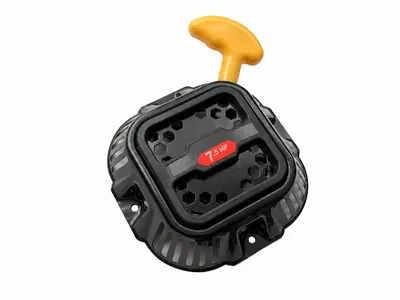
engine Recoil Starter for VP16/44 VP16/46-P RVP27/40 RVP30/50 Plate Compactor
Review the model, reference and old-part interface before quotation.
Add WS-PC-001 to RFQBrowse replacement-part routes for plate compactors, tamping rammers, power trowels and road cutters. Start with a machine model, engine model, reference number, old-part photo or dimensioned parts list, then keep every requested item tied to its own evidence.
Search by MachParts product code, part or OE reference, machine family, engine family or part name. If the marking is missing, use the inquiry route and attach a full-machine photo, installed-part photo and dimension views.
Example: WS-PC-006 · Example: LF75 shock mount · Example: MTX70 clutch
These catalog items show the range of current sourcing routes. Open a product page for its listed reference, then send the old-part evidence before relying on an application description.
Review the model, reference and old-part interface before quotation.
Add WS-PC-001 to RFQ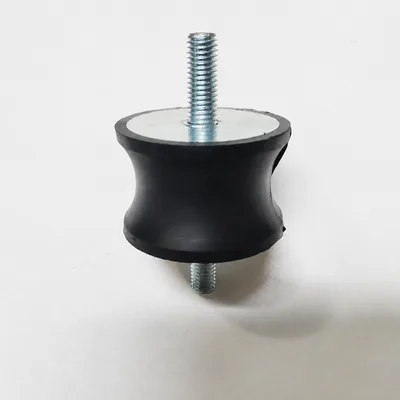
Review the model, reference and old-part interface before quotation.
Add WS-PC-006 to RFQ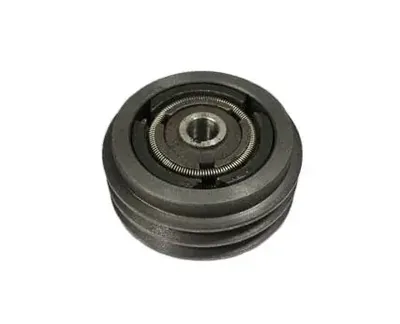
Review the model, reference and old-part interface before quotation.
Add WS-PC-010 to RFQ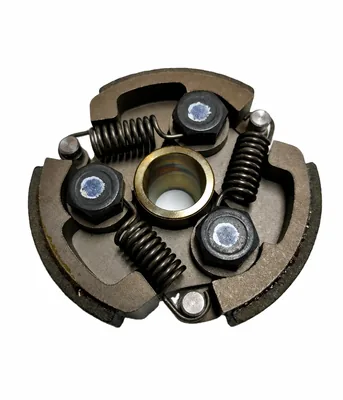
Review the model, reference and old-part interface before quotation.
Add WS-TR-005 to RFQ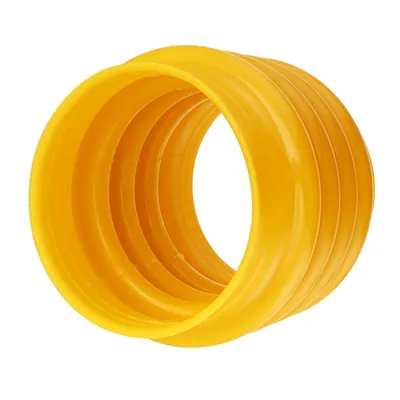
Review the model, reference and old-part interface before quotation.
Add WS-TR-006 to RFQ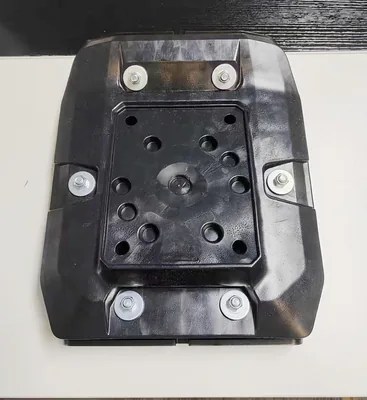
Review the model, reference and old-part interface before quotation.
Add WS-TR-009 to RFQFilter by equipment family, part name, reference or MachParts product code. Product cards should load in manageable groups instead of placing the full catalog above the buyer guidance.
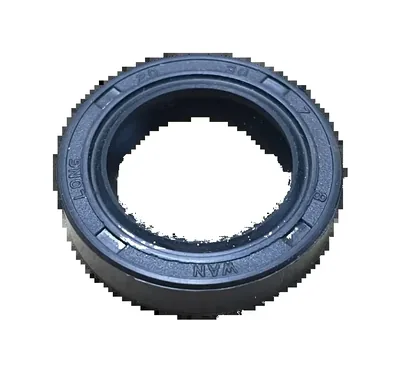
Review the model, reference and old-part interface before quotation.
Add WS-TR-001 to RFQ
Review the model, reference and old-part interface before quotation.
Add WS-TR-002 to RFQ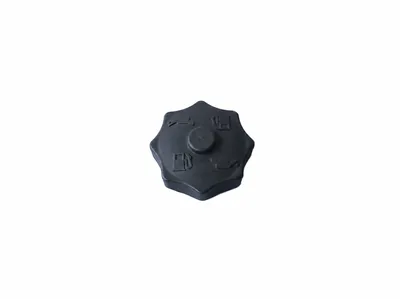
Review the model, reference and old-part interface before quotation.
Add WS-TR-003 to RFQ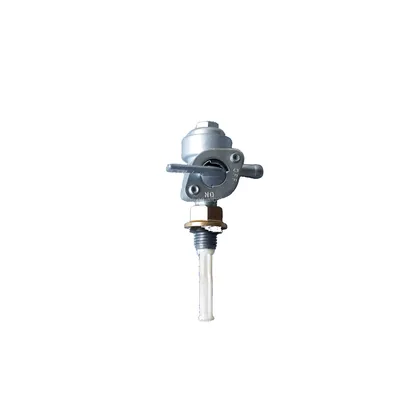
Review the model, reference and old-part interface before quotation.
Add WS-TR-004 to RFQReview the model, reference and old-part interface before quotation.
Add WS-TR-005 to RFQReview the model, reference and old-part interface before quotation.
Add WS-TR-006 to RFQ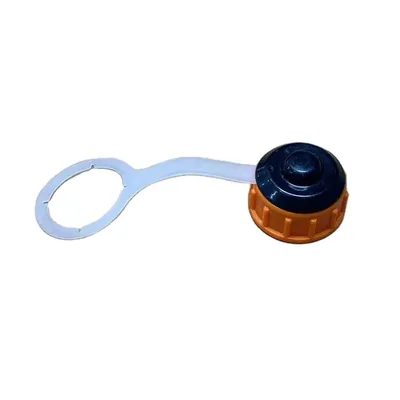
Review the model, reference and old-part interface before quotation.
Add WS-TR-007 to RFQ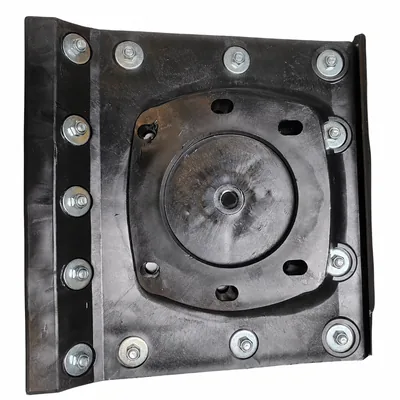
Review the model, reference and old-part interface before quotation.
Add WS-TR-008 to RFQReview the model, reference and old-part interface before quotation.
Add WS-TR-009 to RFQ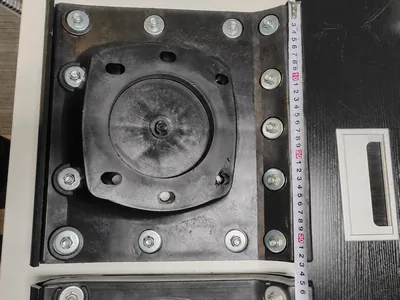
Review the model, reference and old-part interface before quotation.
Add WS-TR-010 to RFQ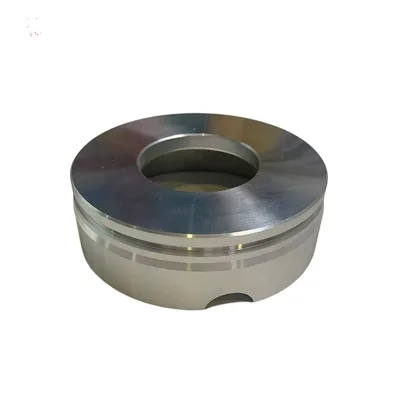
Review the model, reference and old-part interface before quotation.
Add WS-FWN-001 to RFQReview the model, reference and old-part interface before quotation.
Add WS-PC-001 to RFQ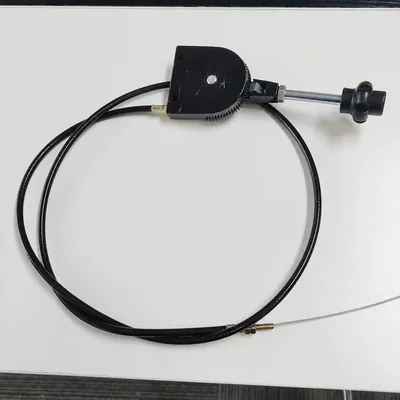
Review the model, reference and old-part interface before quotation.
Add WS-PC-002 to RFQ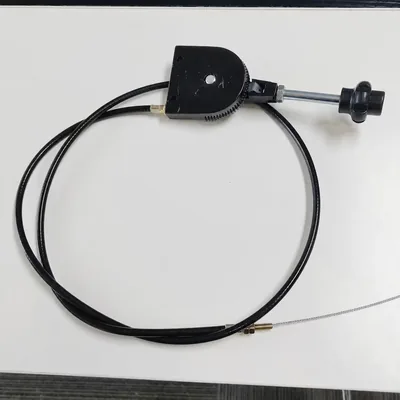
Review the model, reference and old-part interface before quotation.
Add WS-PC-003 to RFQ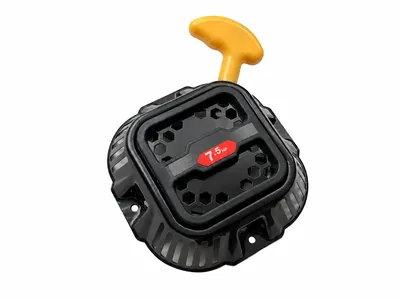
Review the model, reference and old-part interface before quotation.
Add WS-PC-004 to RFQ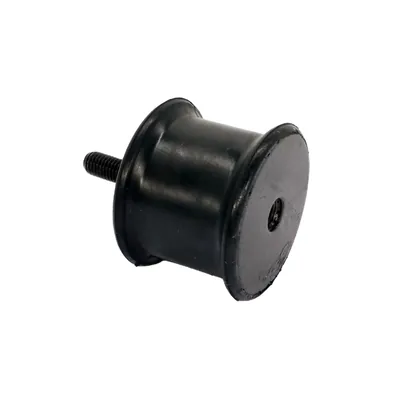
Review the model, reference and old-part interface before quotation.
Add WS-PC-005 to RFQReview the model, reference and old-part interface before quotation.
Add WS-PC-006 to RFQ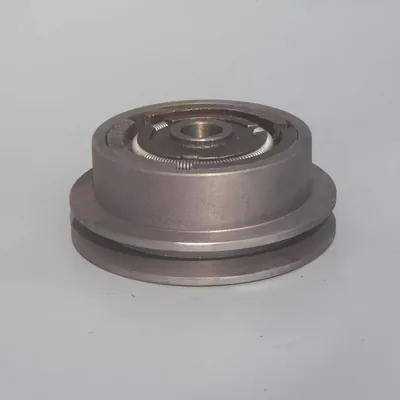
Review the model, reference and old-part interface before quotation.
Add WS-PC-007 to RFQ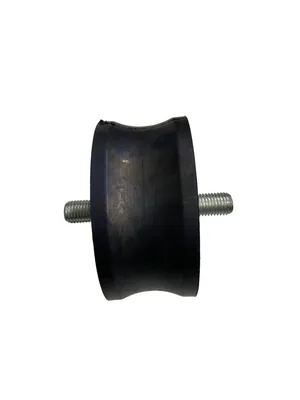
Review the model, reference and old-part interface before quotation.
Add WS-PC-008 to RFQ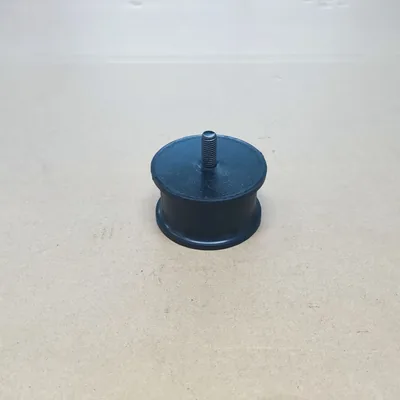
Review the model, reference and old-part interface before quotation.
Add WS-PC-009 to RFQReview the model, reference and old-part interface before quotation.
Add WS-PC-010 to RFQ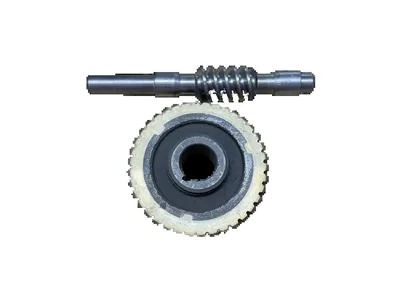
Review the model, reference and old-part interface before quotation.
Add WS-PT-001 to RFQ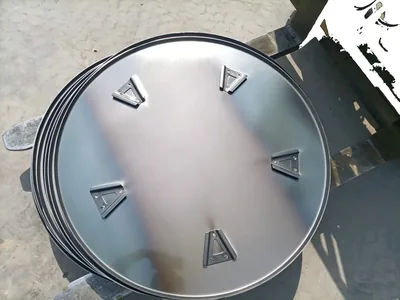
Review the model, reference and old-part interface before quotation.
Add WS-PT-002 to RFQ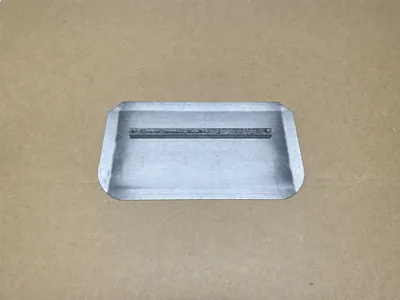
Review the model, reference and old-part interface before quotation.
Add WS-PT-003 to RFQ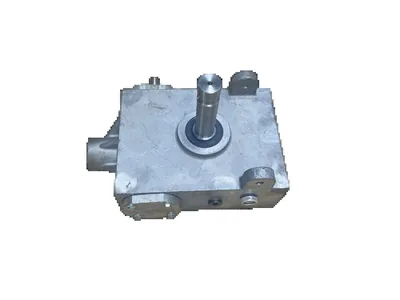
Review the model, reference and old-part interface before quotation.
Add WS-PT-004 to RFQ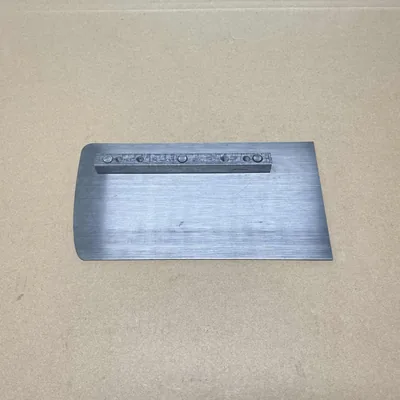
Review the model, reference and old-part interface before quotation.
Add WS-PT-005 to RFQ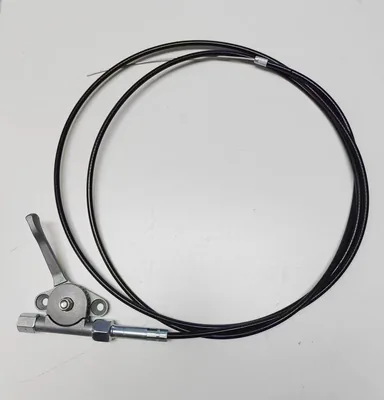
Review the model, reference and old-part interface before quotation.
Add WS-PT-006 to RFQ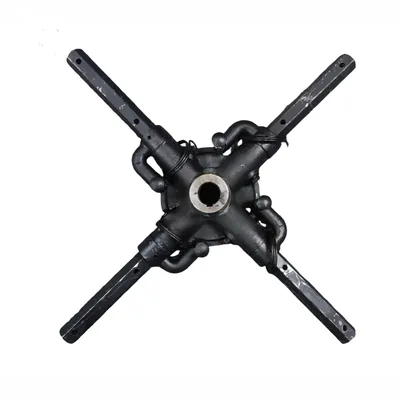
Review the model, reference and old-part interface before quotation.
Add WS-PT-007 to RFQ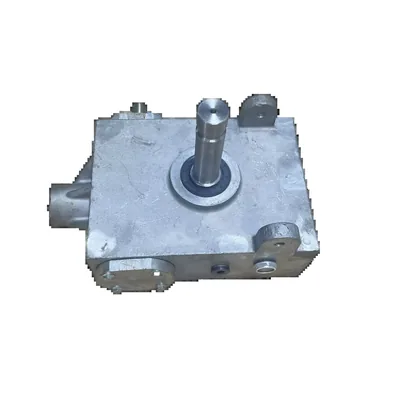
Review the model, reference and old-part interface before quotation.
Add WS-PT-008 to RFQ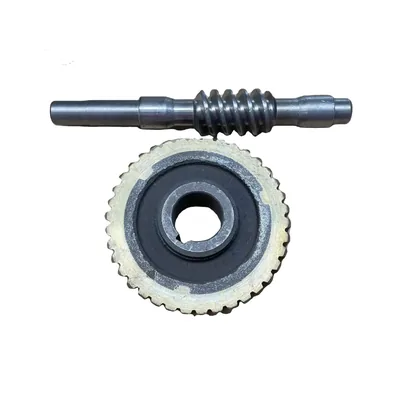
Review the model, reference and old-part interface before quotation.
Add WS-PT-009 to RFQ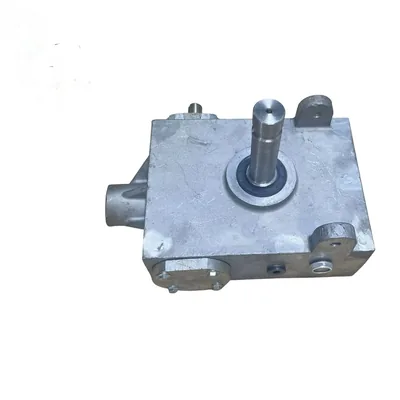
Review the model, reference and old-part interface before quotation.
Add WS-PT-010 to RFQ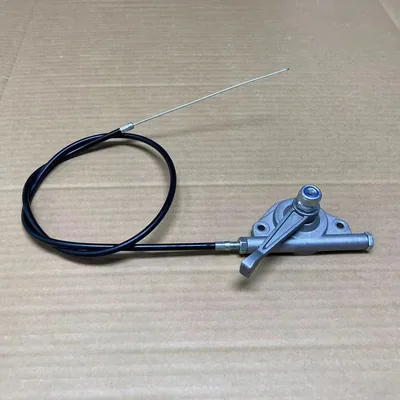
Review the model, reference and old-part interface before quotation.
Add WS-RC-001 to RFQ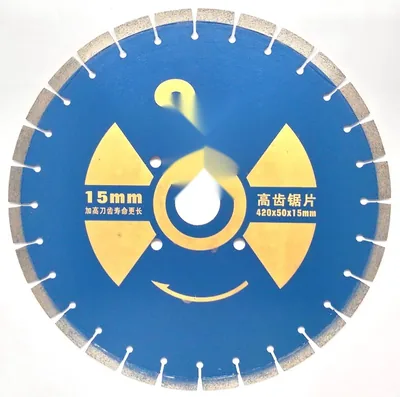
Review the model, reference and old-part interface before quotation.
Add WS-RC-002 to RFQ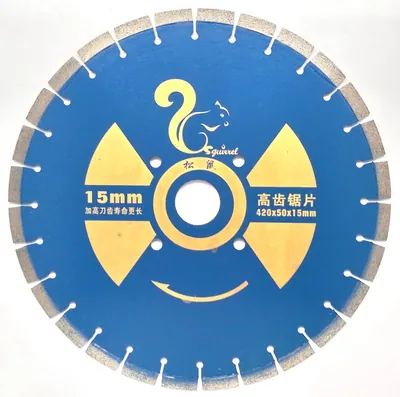
Review the model, reference and old-part interface before quotation.
Add WS-RC-003 to RFQ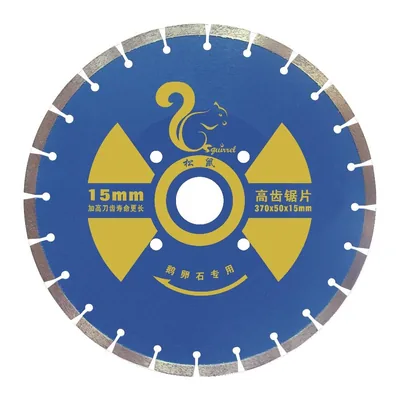
Review the model, reference and old-part interface before quotation.
Add WS-RC-004 to RFQ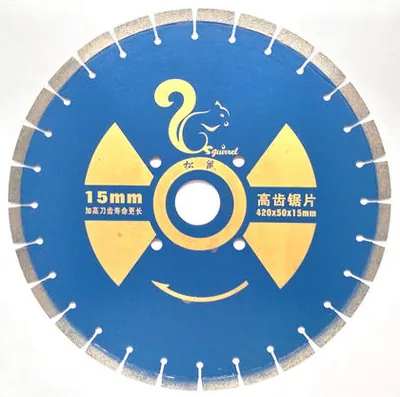
Review the model, reference and old-part interface before quotation.
Add WS-RC-005 to RFQ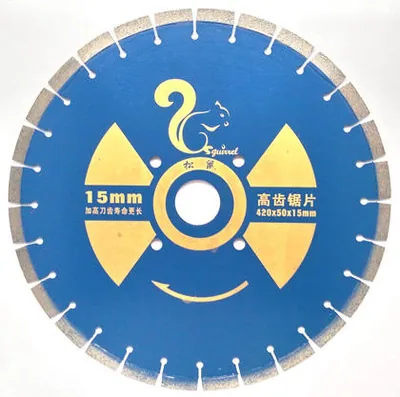
Review the model, reference and old-part interface before quotation.
Add WS-RC-006 to RFQ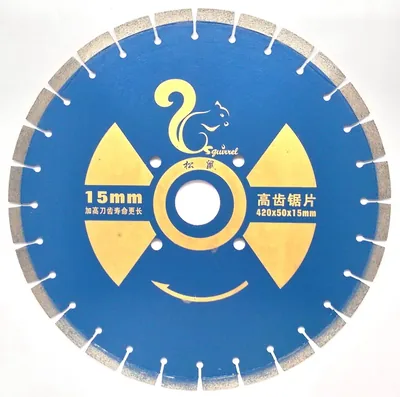
Review the model, reference and old-part interface before quotation.
Add WS-RC-007 to RFQ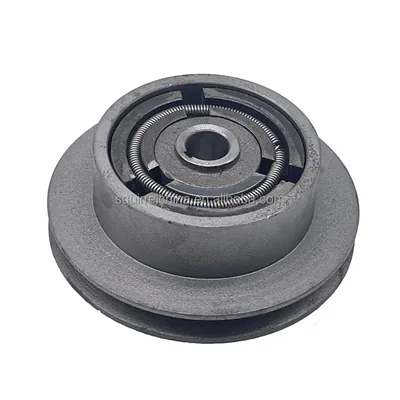
Review the model, reference and old-part interface before quotation.
Add WS-RP-001 to RFQ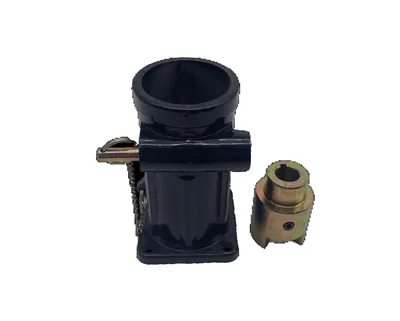
Review the model, reference and old-part interface before quotation.
Add WS-RP-002 to RFQ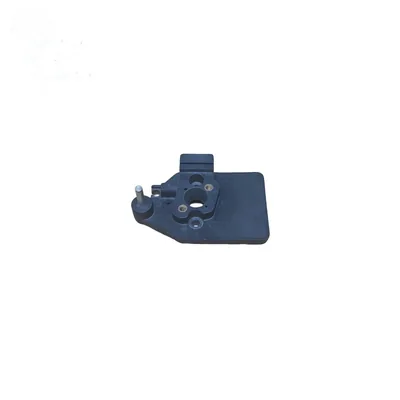
Review the model, reference and old-part interface before quotation.
Add WS-RP-003 to RFQ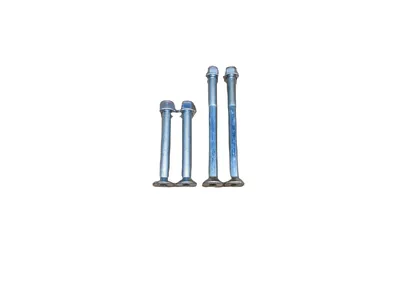
Review the model, reference and old-part interface before quotation.
Add WS-RP-004 to RFQ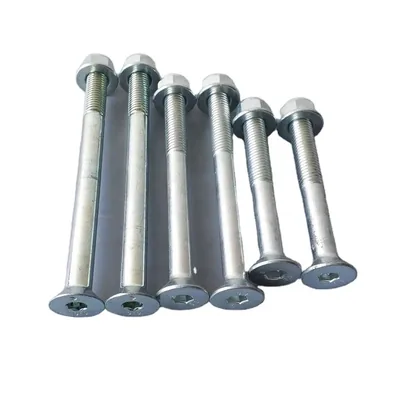
Review the model, reference and old-part interface before quotation.
Add WS-RP-005 to RFQ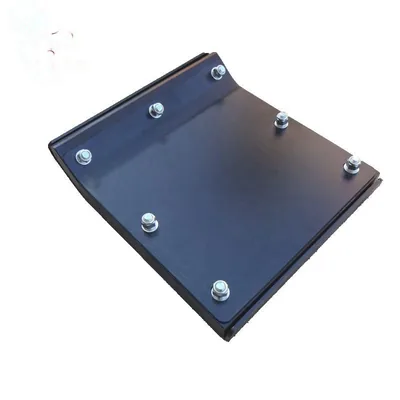
Review the model, reference and old-part interface before quotation.
Add WS-RP-006 to RFQ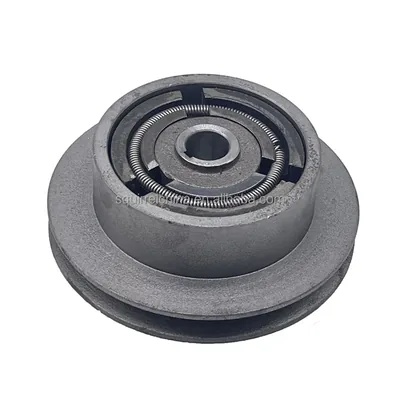
Review the model, reference and old-part interface before quotation.
Add WS-RP-007 to RFQ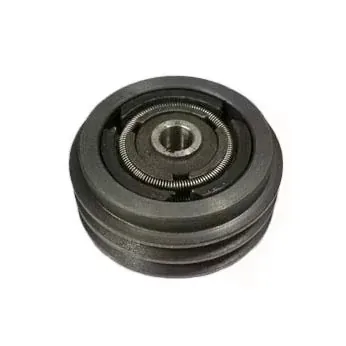
Review the model, reference and old-part interface before quotation.
Add WS-RP-008 to RFQ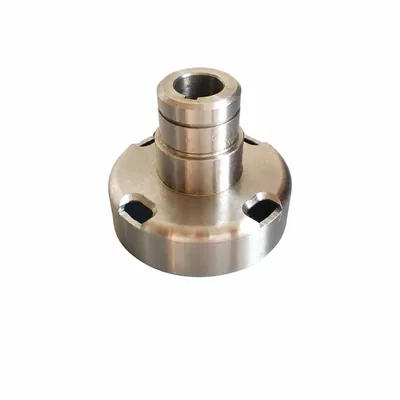
Review the model, reference and old-part interface before quotation.
Add WS-RP-009 to RFQ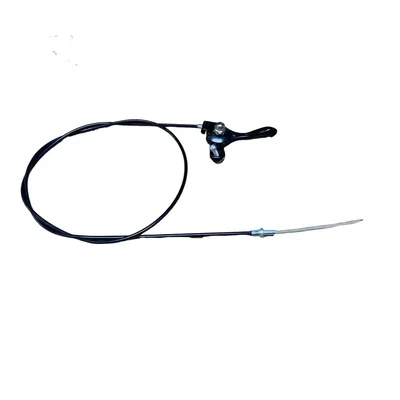
Review the model, reference and old-part interface before quotation.
Add WS-RP-010 to RFQ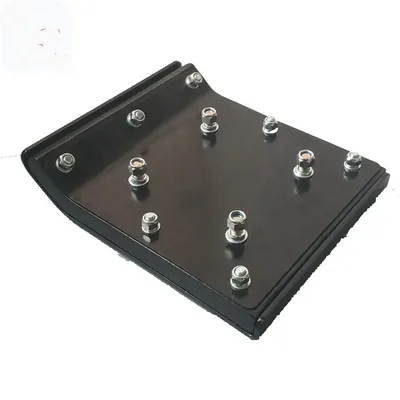
Review the model, reference and old-part interface before quotation.
Add WS-RS-002 to RFQ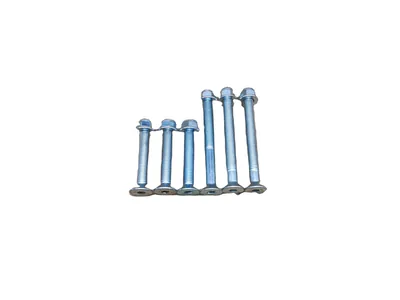
Review the model, reference and old-part interface before quotation.
Add WS-RS-003 to RFQ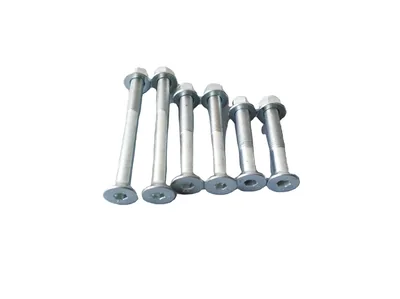
Review the model, reference and old-part interface before quotation.
Add WS-RS-004 to RFQ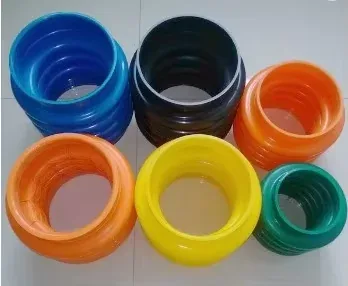
Review the model, reference and old-part interface before quotation.
Add WS-RB-001 to RFQ
Review the model, reference and old-part interface before quotation.
Add WS-RB-002 to RFQNo matching catalog references are visible. Try a product code, model or part name.
The same part name can describe different dimensions and interfaces across machines. Use the equipment route first, then narrow by model and the old part.
Recoil starters, control cables, rubber mounts, vibration pads and centrifugal clutch references for forward and reversible compactors.
Explore this routeShoes, bellows, clutches, fuel-system service parts and control components organized around rammer model evidence.
Explore this routeBlades, pans, crosses, throttle controls, worm-drive sets and gearbox references for concrete-finishing machines.
Explore this routeThrottle controls, pulleys and cutting-disc references that require shaft, bore, mounting and diameter checks.
Explore this routeGasoline-engine service and internal parts organized by engine maker, model, type and code evidence.
Explore this routeAir-cooled diesel engine and service-part references organized by stamped engine family and part evidence.
Explore this routeThis collection is the parent route for compact construction-equipment parts in the current catalog. It helps buyers separate plate-compactor, rammer, power-trowel and road-cutter requirements before sending a quotation list. It is most useful for distributors, repair businesses and fleet service teams managing several machine families. Engine-only requirements should move to the small-engine or diesel-engine collections so the engine evidence is reviewed in the right context.
A machine name alone rarely identifies the exact replacement. The matrix tells buyers which evidence changes the sourcing decision.
| Application or system | Catalog route | Evidence to send |
|---|---|---|
| Forward or reversible plate compactor | Starter, throttle cable, rubber mount, vibration pad, clutch | Machine model and serial plate, engine model, part location, mounting dimensions and old-part photos |
| Tamping rammer | Shoe, bellows, clutch, fuel service, throttle control, engine-related part | Rammer model, engine model, shoe width or interface dimensions, reference number and installation views |
| Walk-behind power trowel | Blade, pan, cross, gearbox, worm drive, throttle control | Machine diameter, blade or pan dimensions, hole pattern, gearbox interface and machine label |
| Road cutter or concrete saw | Throttle control, pulley, cutting blade or disc | Machine model, shaft and bore details, disc diameter, arbor, material to cut and installed-part photos |
Keep each requested line connected to the machine and original part it belongs to. A shared photo folder without line numbers creates avoidable ambiguity.
Record manufacturer, full model, serial range when readable and a clear image of the machine plate.
Do not assume every machine in one model family uses the same engine configuration.
Label bore, shaft, hole pattern, width, height and thread positions so each number has a clear datum.
Match photos and measurements to the spreadsheet line or MachParts product code used in the request.
Compact construction equipment is often repaired through several supply routes over its service life. An engine, clutch, mount, cable or gearbox may have been replaced before the current inquiry. For that reason, the safest RFQ combines machine identity with installed-part evidence. Photograph the complete assembly, the old part from several sides and the mounting location. Add dimensions only where the photo makes the measurement points unambiguous.
Choose the workflow closest to the buying task, then keep every product line connected to its own machine, evidence and quantity.
Build a multi-line list by equipment family, attach reference evidence per line and request the commercial scope in one RFQ.
Start with the failed assembly and machine plate, then add old-part photos and the dimensions that affect installation.
Separate recurring service items from failure replacements so quantities and evidence remain clear during quotation review.
MachParts Global is the international machinery-parts sourcing website of WUHAN SUNFULL. For construction equipment parts, the site's role is to organize catalog references and buyer evidence into a reviewable RFQ. Customers can send one item or a multi-line list. The response route depends on the actual product references, quantities, destination and any unresolved fitment questions; the catalog itself does not replace that review.
Use one row per requested part and group rows by machine or engine family.
Add model plates, reference numbers and named photos to the corresponding line.
Measure only the interfaces needed to distinguish alternatives and show where each measurement was taken.
Provide quantity per item, destination and any packing or consolidation requirement.
Check inclusions, conditional references, MOQ, packing, timing and freight basis before proceeding.
Structure contact, identity, quantity, destination and photo evidence before sending the request.
Read buyer guideUse datums, repeated readings and photo-linked dimensions when a usable part number is missing.
Read buyer guideNormalize scope, quantity, packing, trade terms and usable cost before comparing offers.
Read buyer guidePlan receiving checks and keep incoming parts connected to an identifiable lot and approved configuration.
Read buyer guideYes. Use one line per item and identify the machine or engine connected to that line. Add a part number, MachParts code or old-part photo where available, plus the required quantity. Naming image files to match the RFQ line prevents one machine's evidence from being applied to another part.
Not always. A machine family can contain revisions, regional configurations or a previously replaced engine or assembly. Send the full model and serial plate when readable, then add the installed engine label and old-part views for parts whose shaft, mounting pattern, connector or dimensions affect fitment.
Provide a full-machine photo, the machine and engine labels, an installed view, several clean old-part views and dimensions tied to visible measurement points. Explain the part's location and function. Dimensions help narrow a route, but they do not prove material, internal design or operating rating.
No. A product page is a catalog and inquiry reference. Availability, minimum order, packing, quotation validity, timing and shipping options must be reviewed for the specific product code, requested quantity and destination. State any required date as a buyer requirement so it can be addressed in the quotation basis.
Normalize each line before comparing totals. Check the reference and configuration, what is included per unit, quantity, MOQ, packing, trade terms, timing basis and freight scope. A lower total is not comparable if it excludes accessories, uses a different configuration or shifts destination costs outside the quoted scope.
Start with one part or upload the outline of a mixed-equipment requirement. Unknown fields can be marked as unknown; do not guess a model or number.